
Can a Small MacBook Handle a Real Photography Workflow?
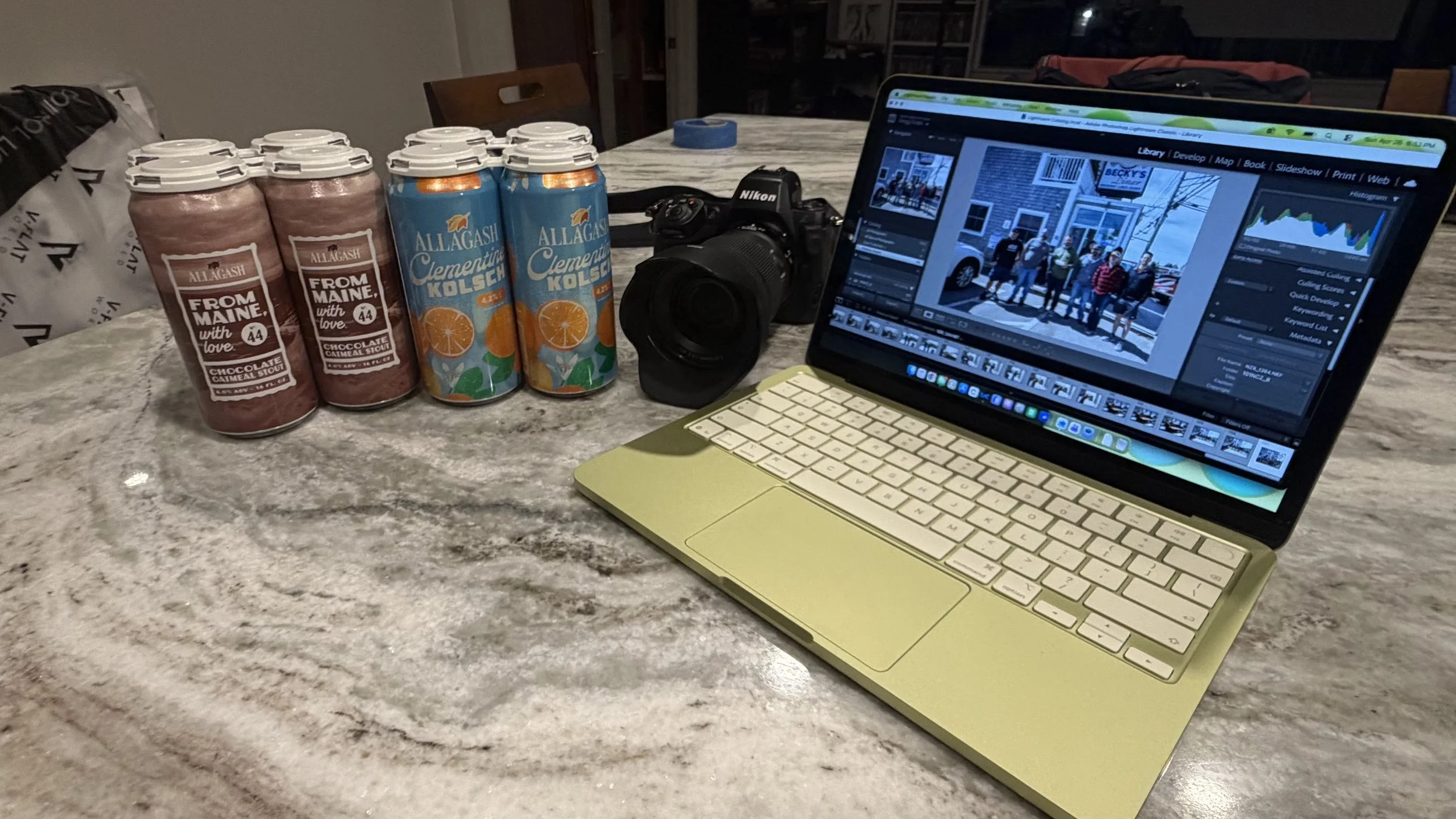
Macbook Neo - With a few beers
I don’t often get excited by computers anymore.
Maybe it is because I have worked around technology for so long, but at this point computers are more tools than anything else. They either help me do the work, or they get in the way.
When it comes to my photography workflow, I am pretty much exclusively Mac. Capture One, Lightroom, image review, file delivery, galleries, backups, and all the little pieces that happen between camera and finished image just fit better for the way I work.
No judgment against photographers who use Windows. Use whatever works best for you.
For me, the Mac workflow has become the one I trust.
Recently, I picked up a third Mac, a MacBook Neo.
Green, of course.
I bought it with the intention of using it for light work. Email, web browsing, notes, writing, maybe checking a gallery here and there. Nothing serious. In my mind, this was not going to become part of my photography workflow.
I mean, it is using an older, last-generation iPhone chip. It is not supposed to do much more than light everyday work, right?
This past weekend, I went to Maine with a group of friends to celebrate a friend’s upcoming wedding. And because I am a photographer, I brought a camera.
I told myself this was not client work. There was nothing I had to deliver. No deadline. No pressure. So I decided to do something I normally would not do.
I left the MacBook Pro home.
No iPad. No bigger setup. No safety net. Just the MacBook Neo.
As we toured breweries, including Allagash, which was definitely a highlight, I ended up taking a ton of photos. That is usually what happens when I bring a camera anywhere. The whole day was just fun. Good people, good conversations, a lot of laughs, and plenty of moments worth capturing.
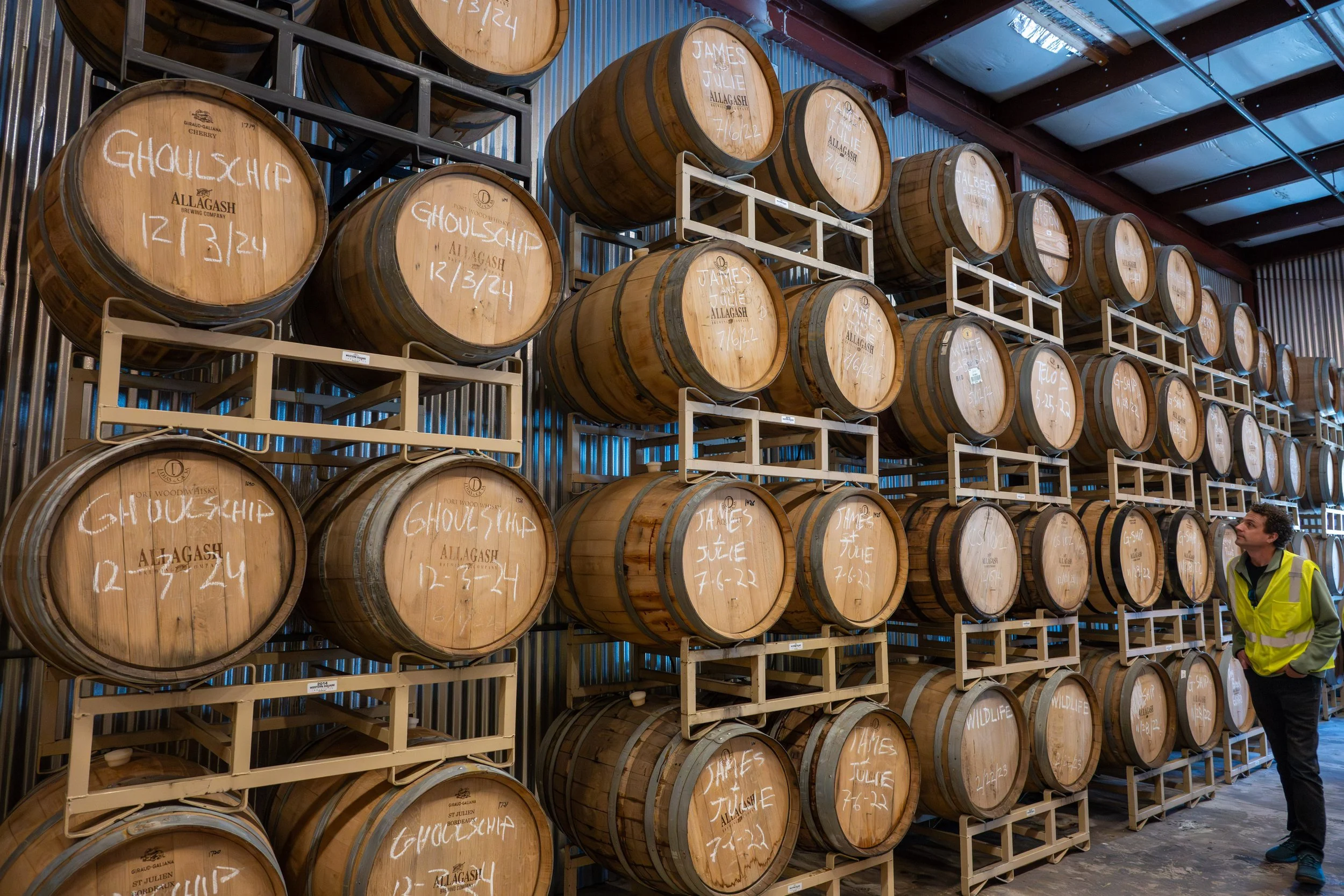
Allagash - Maine - Edited on Macbook Neo
That evening, after everyone else had crashed for the night, I pulled out the little green MacBook and decided to see what it could actually do.
I was not interested in running benchmarks. I do not really care how fast an app opens by a stopwatch or what number some test produces. I wanted to know what it felt like to use as a photographer.
Could I import the images?
Could I get through them in Lightroom?
Could I use Capture One if I needed to?
Could I cull, review, make edits, and not hate the experience?
The first thing I noticed was something simple. I had to bring a card reader. My MacBook Pro has one built in, and when you are used to that, you miss it.
Importing the images was not lightning fast either. It took some time, and I expected that. This is not my MacBook Pro and it is definitely not my Mac Studio.
But once the images were on the computer and I fired up Lightroom, that is where the surprise happened.
It just worked.
That sounds overly simple, but that is exactly what stood out to me.
I was able to go through my normal process. Culling images felt fine. Reviewing them felt fine. Making edits felt fine. Was it as fast as my MacBook Pro? No. Was it as fast as my Mac Studio? Not even close.
But was it painfully slower in a way that made me regret bringing it?
Not at all.
That is what surprised me the most.
The size and the lack of “Pro” power were not really the dealbreakers I expected them to be. For the kind of work I was doing, it handled itself better than I thought it would.
I was not sitting there frustrated. I was not thinking, “I should have brought the better machine.” I was just working through photos from the day, which is exactly what I needed it to do.
And I think that is where this little computer becomes interesting for photographers.
We can get caught up in needing the biggest, fastest, most powerful machine because photography files keep getting larger and our software keeps demanding more. I still believe there are plenty of times where power matters.
If I am shooting headshots tethered, working a corporate session, handling high-volume event work, or doing anything where speed and reliability are critical, my MacBook Pro is still coming with me.
But not every photography situation needs the biggest machine in the bag.
Sometimes you need something small that lets you travel light. Something you can bring on a personal trip. Something you can use to review what you shot at the end of the day. Something that lets you cull, make some edits, check focus, back things up, and stay connected to the work without feeling like you packed your entire office.
That is what the MacBook Neo felt like to me this weekend.
It is not replacing my MacBook Pro. I do not think that was ever the point. But for smaller jobs, travel, personal work, or those times when I just want something in a pinch, it absolutely earned a spot in my workflow.
My recommendation, especially for photographers, would be to get the 512GB version with Touch ID. The extra storage matters, and Touch ID is one of those small conveniences that you really miss when you do not have it.
I bought the MacBook Neo thinking it would be a light-duty side computer.
After this weekend, I see it differently.
It is not the fastest computer I own. It is not the most powerful. It is not going to win a race against my MacBook Pro or Mac Studio.
But it did something more important than win a benchmark.
It came with me.
It fit in the bag.
It let me travel lighter.
And when I needed it to work through a pile of real photos from a real day, it showed up.
That is what makes it a game changer for me.
Not because it replaces the Pro machines.
Because it fills a space I did not realize I wanted filled.
Final Thoughts
For photographers, gear decisions are rarely just about specs. They are about workflow, comfort, trust, and whether the equipment helps you stay connected to what you are creating.
The MacBook Neo surprised me because it did not try to be my main editing machine. It simply gave me enough power in a small enough package that I actually wanted to bring it with me.
And sometimes, that is what makes a piece of gear valuable.
Not that it can do everything.
But that it is there when you need it.
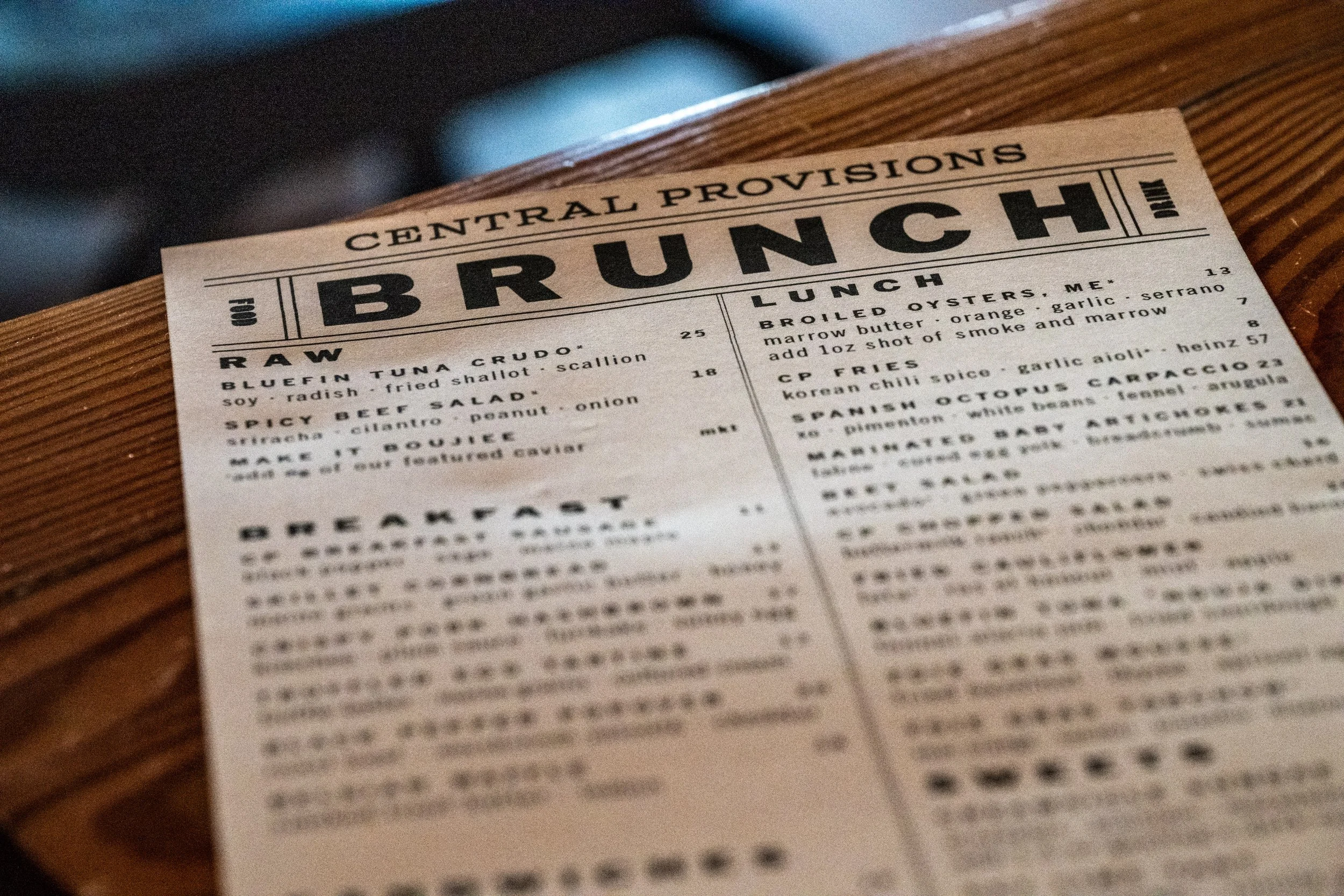
Central Provisions - Maine - Edited on Macbook Neo